Basic Example: 01
This repository is a demonstration project that includes two main components:
Generation (Gen): Initial data production.
Fitting (Fit): Statistical analysis and modeling.
The workflow is executed using REANA as the runner backend. Follow these steps to clone the repository and execute the workflow within the Celebi environment.
1. Clone the Repository
git clone https://github.com/CelebiProjects/demo-basic-01.git
cd demo-basic-01
2. Enter the Celebi Environment
Initialize and enter the Celebi shell:
celebi-cli register-project .
celebi
3. Verify DITE Connection
Check the current status to ensure the DITE connection is active:
ls
If DITE is connected, the output should display:
>>>> DITE: [connected]
To check the DITE setting, use:
dite
Note: If this is your first time, configure the DITE endpoint:, for example:
set-dite localhost:3315
4. Check Available Runners
List the registered runners to confirm availability:
runners
If no runner is registered, you can add one by running:
register-runner
And you should also help change the requested runner for running the workflow:
request-runner RUNNER_NAME
5. Submit the Workflow
Finally, submit the workflow to the runner for execution:
submit --runner RUNNER_NAME
This command will make the objects impressed, and then submit the workflow to the selected runner (REANA in this case).
6. Monitor the Workflow
You can monitor the status of your work with
status
7. Retrieve Results
Once the workflow is complete, retrieve the results using:
collect
This will download the output files generated by the workflow to your DITE storage.
8. View the Output
You can now view the output files.
view
This will display the results in your browser like this:
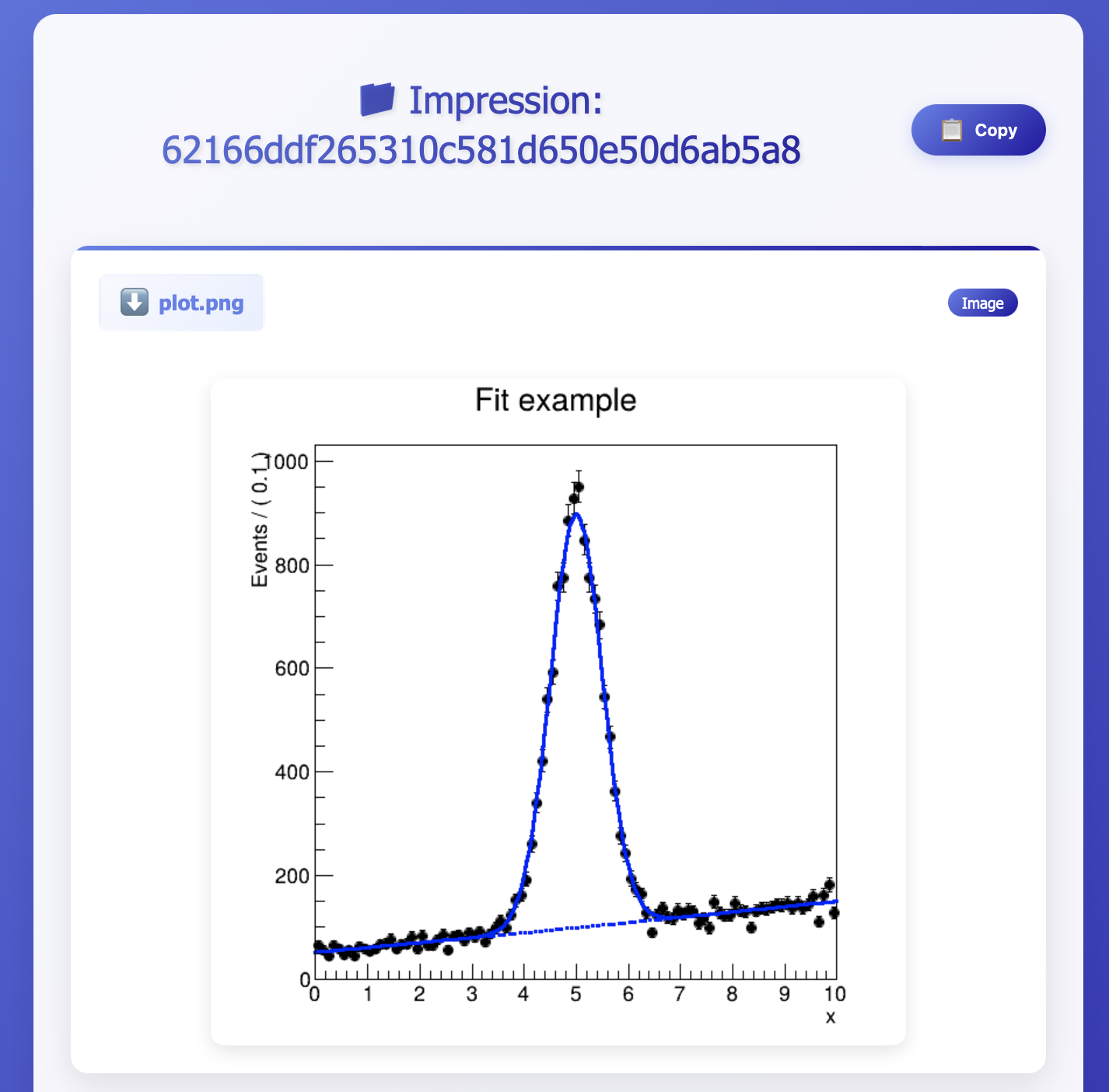
Congratulations! You have now successfully executed the basic workflow using Celebi!
Note
The example is adapted from the REANA demo example.